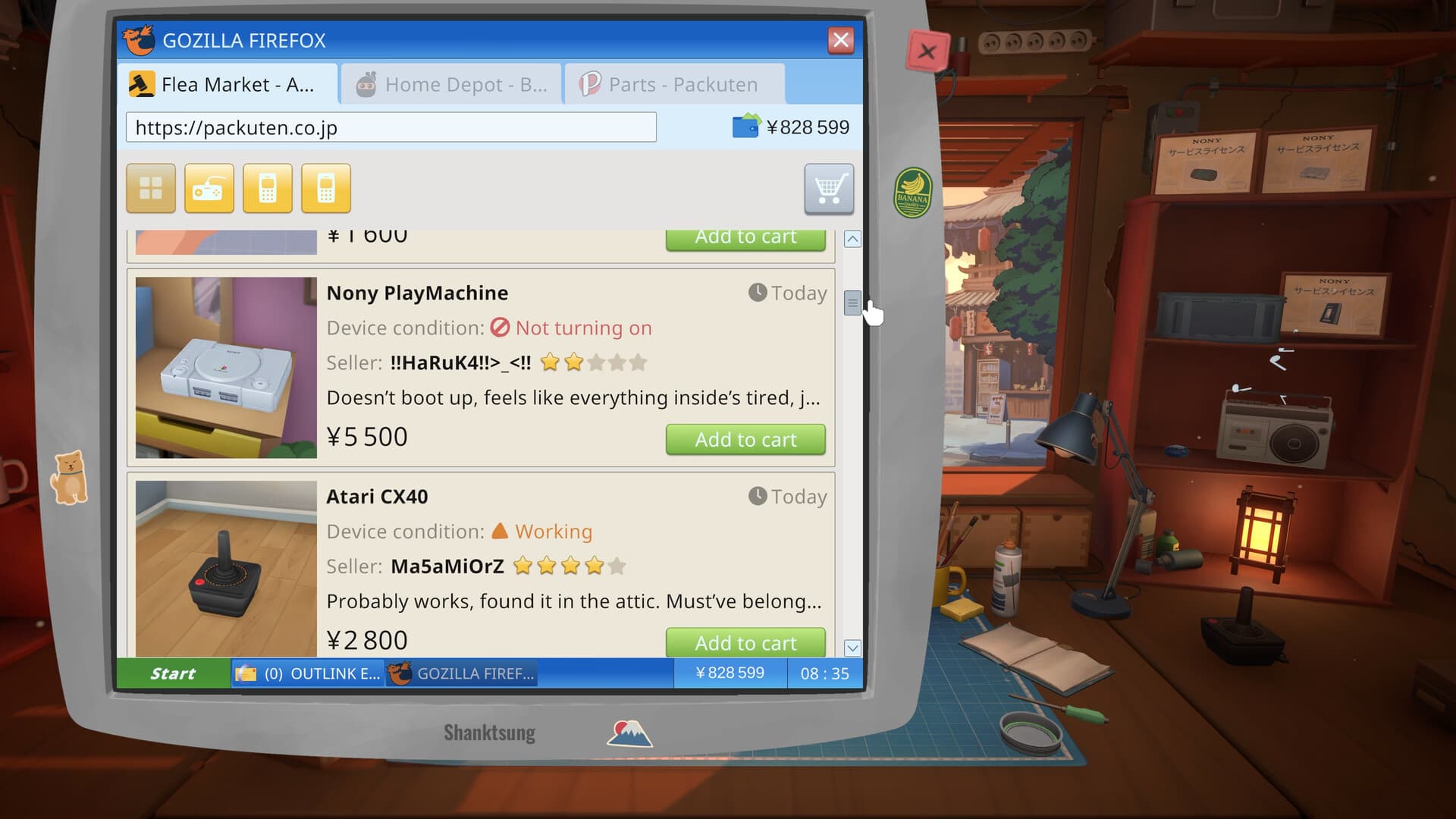
Sell an owned device: the actual handoff
- 01
Choose your own device
Use a device you bought for resale. A customer's repair order has its own requirements; do not treat a customer's device as marketplace stock.
- 02
Finish the repair
Clean, repair and reassemble the device. Check for loose screws, covers and components before moving the complete item.
- 03
Move it to the counter
Drag the finished device to the shop counter. The Steam guide describes a direct handoff here, rather than creating a sale listing in the computer's marketplace.
- 04
Collect the return
The courier takes the device and leaves its value as payment. This is the sale described by the guide; use the payment to compare the return with what you spent.
What the marketplace sale price means
The money-making guide describes the listing's sale price as the expected value of a repaired device. It is not your profit: subtract the purchase price and the parts you needed to finish the repair.
Patch 1.0.013r rebalanced the marketplace on August 21. Use the values in your current game; pre-patch screenshots, example margins and fixed price thresholds may no longer apply.
Repair, donor or hold?
| Choice | Use it when | Next step |
|---|---|---|
| Repair and sell | The finished value can cover the purchase and repair costs | Finish the device and move it to the counter |
| Parts donor | Useful components are worth more to your current jobs than a complete flip | Keep usable parts; do not keep buying replacements merely because you own the shell |
| Hold | A necessary component is unavailable or the repair would consume the bill reserve | Store the project until its cost is clear |
If you cannot finish the sale
- Check that you moved a complete device, rather than one loose component.
- Look over every workspace view for pieces still waiting to be installed.
- Confirm whether you are handling your own stock or fulfilling a customer's order.
- If the completed owned device reaches the counter but nothing happens, record its name, your game version and the exact handoff state for the technical-issues board.
Achievement anchors
| Achievement | Official requirement |
|---|---|
| Flipper | Buy 5 marketplace devices |
| Garage sale! | Buy 25 marketplace devices |
| Making money! | Sell 5 devices |
| Business Shark | Earn more than ¥100,000 in a day |
| Millionaire! | Earn ¥1,000,000 |
Frequently asked questions
Where do I sell a repaired device in ReStory?
Drag the finished device you own to the shop counter. The courier collects it and leaves payment; you do not need to create a marketplace sale listing for the workflow described by the Steam guide.
Is the marketplace sale price my profit?
No. It is the expected repaired-device value in the cited guide. Subtract your purchase and parts costs, and check current values because the marketplace was rebalanced in 1.0.013r.
Sources
Last checked Sep 28, 2026. Game behavior can change after an update, so use the linked Steam pages for the newest information.