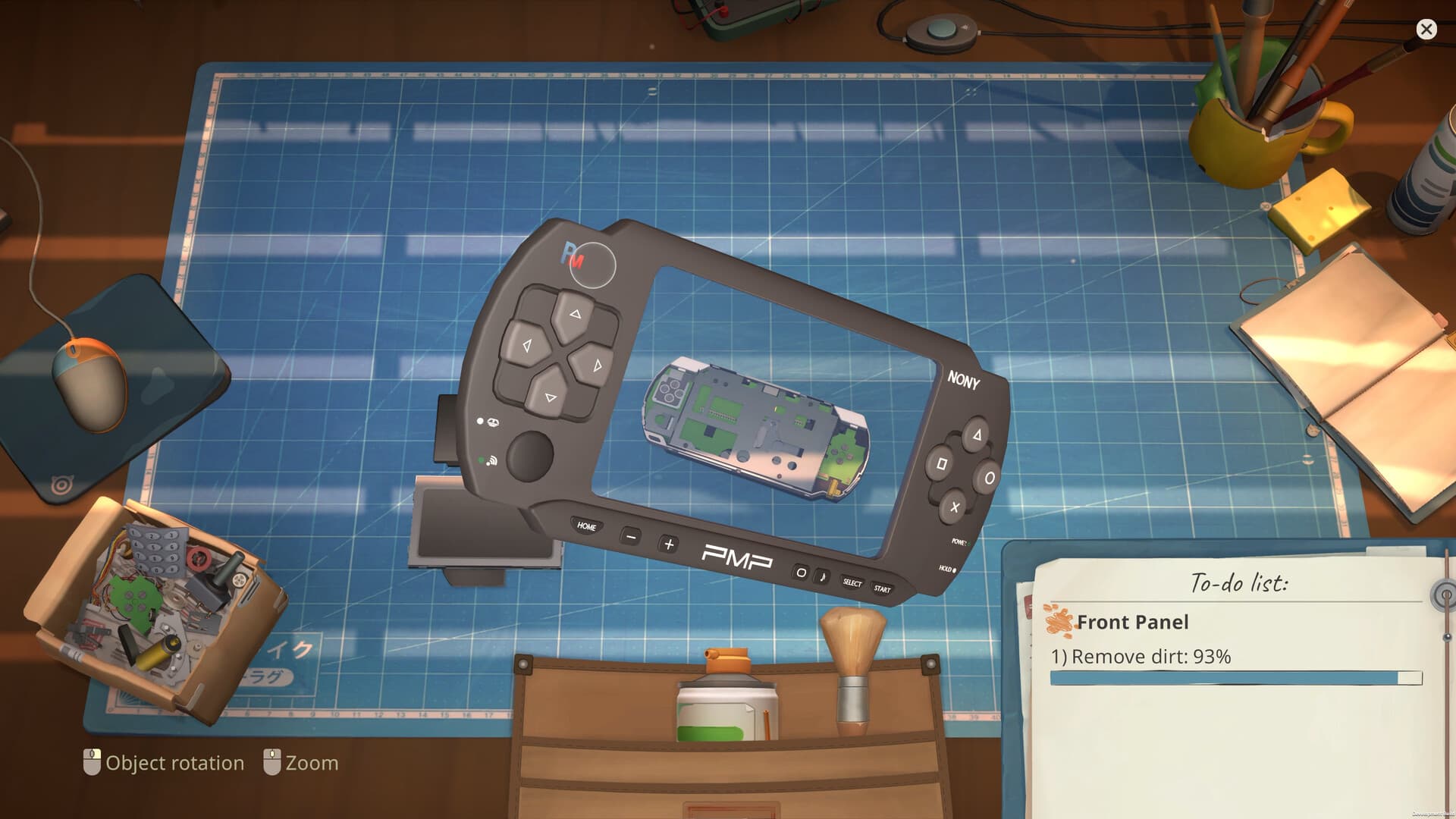
First-day checklist
- 01
Read the job
Confirm what the customer or online order actually requires before buying parts.
- 02
Inspect before buying
Open the device and identify dirty, damaged and missing components. Keep viable parts separate.
- 03
Disassemble deliberately
Notice which pieces cover other pieces. Reassembly follows the reverse dependency order.
- 04
Clean and replace
Clean required parts, repair what the job permits and order only the missing parts you need.
- 05
Reassemble and verify
Use the task/notepad cues, confirm nothing remains on the bench, then finish the order.
- 06
Reinvest with a purpose
Licenses expand accepted device types; tools reduce friction. Keep enough cash for bills.
Spend for the bottleneck
- More job types needed? Buy the relevant license.
- Cleaning is slow? Improve the cleaning workflow before taking high-volume orders.
- Parts are expensive? Compare a new part with a marketplace donor device.
- Cash is tight? Prefer predictable cleaning/repair jobs before speculative flips.
When the story seems stuck
- Finish active customer and online-order steps.
- Check the shop computer, inbox and available applications.
- Ending the day can be a progression trigger; do not work forever if no new visitor arrives.
- If the same sequence still fails after a restart, compare it with current Steam technical reports.
Set up every repair before removing the first screw
Read the full request and identify the actual success condition before you buy anything. A customer may need cleaning, a physical repair, reprogramming or a combination of tasks, and those are not interchangeable. Starting with the requirement protects your cash and stops you from doing optional work while overlooking the one condition that completes the order.
Once the device is open, treat the bench as a temporary map. Keep removed pieces visible, notice which part covered the next layer and avoid moving unrelated objects just to make the space look tidy. ReStory normally guides placement, but a deliberate disassembly order makes it much easier to recognize a missing screw, shield, battery or cover during reassembly.
Manage cash like a repair shop, not a collection game
Licenses open categories of work, while tools make repeated actions faster or add a new capability. Neither purchase is automatically good on the day it appears. Buy the upgrade that removes the bottleneck you are actually facing, then keep enough money for bills, required replacement parts and one or two predictable jobs before experimenting with marketplace flips.
Broken marketplace devices can be inventory, repair projects or parts donors. Decide which role the item will serve before you pay. If the missing parts and repair time are likely to consume the resale value, keep the useful components for future orders instead of forcing every purchase into a completed sale. The selling guide provides a fuller decision checklist.
A reliable end-of-job check
- 01
Review the requirement
Return to the order text and confirm that every required task—not every optional task—has been completed.
- 02
Scan the entire bench
Look at the center, side areas, shelves and parts boxes for a component that still belongs to the device.
- 03
Check the layer order
If an outer part will not fit, inspect the lower layer for a missing board, cable, shield or fastener.
- 04
Confirm the device state
Use the game's task feedback before handing the item back or listing it for sale.
- 05
Record the next bottleneck
Spend the reward on the license, tool or bill reserve that will make the next group of jobs safer.
Plan the next day before you end this one
Before ending the day, look at the jobs you can already accept, the parts you currently own and the expense that is most likely to stop tomorrow's work. Finish a nearly complete order when possible, but do not start a large speculative repair simply to keep the bench busy. A clear next job makes it easier to tell whether the following day is waiting for a customer, an inbox action, a license or a story trigger.
When new options appear, change one part of the shop at a time. Buy a license because you have the cash and want its device category; buy a tool because the current workflow is slow or a required action is unavailable. This makes every purchase testable. If progress changes after the purchase, you know what unlocked it; if it does not, you still have enough reserve to continue diagnosing the real blocker.
Sources
Last checked Aug 29, 2026. Game behavior can change after an update, so use the linked Steam pages for the newest information.
- officialOfficial Steam store
- communityComfy Cozy Gaming ReStory tips video